A launch brief
“Plan a short skincare launch reel with warm light, a calm voice, and a booking call to action.”
Get startedCreative chat
Describe your idea, bring your references, and work through the creative brief with AI. Keep the conversation connected to your project as you move from the first idea to the next edit.
Explore Mango9 Create
Start with the outcome you need. Work through the brief, review the proposed approach, and keep refining the direction alongside the media in your project.
01 / Creative chat
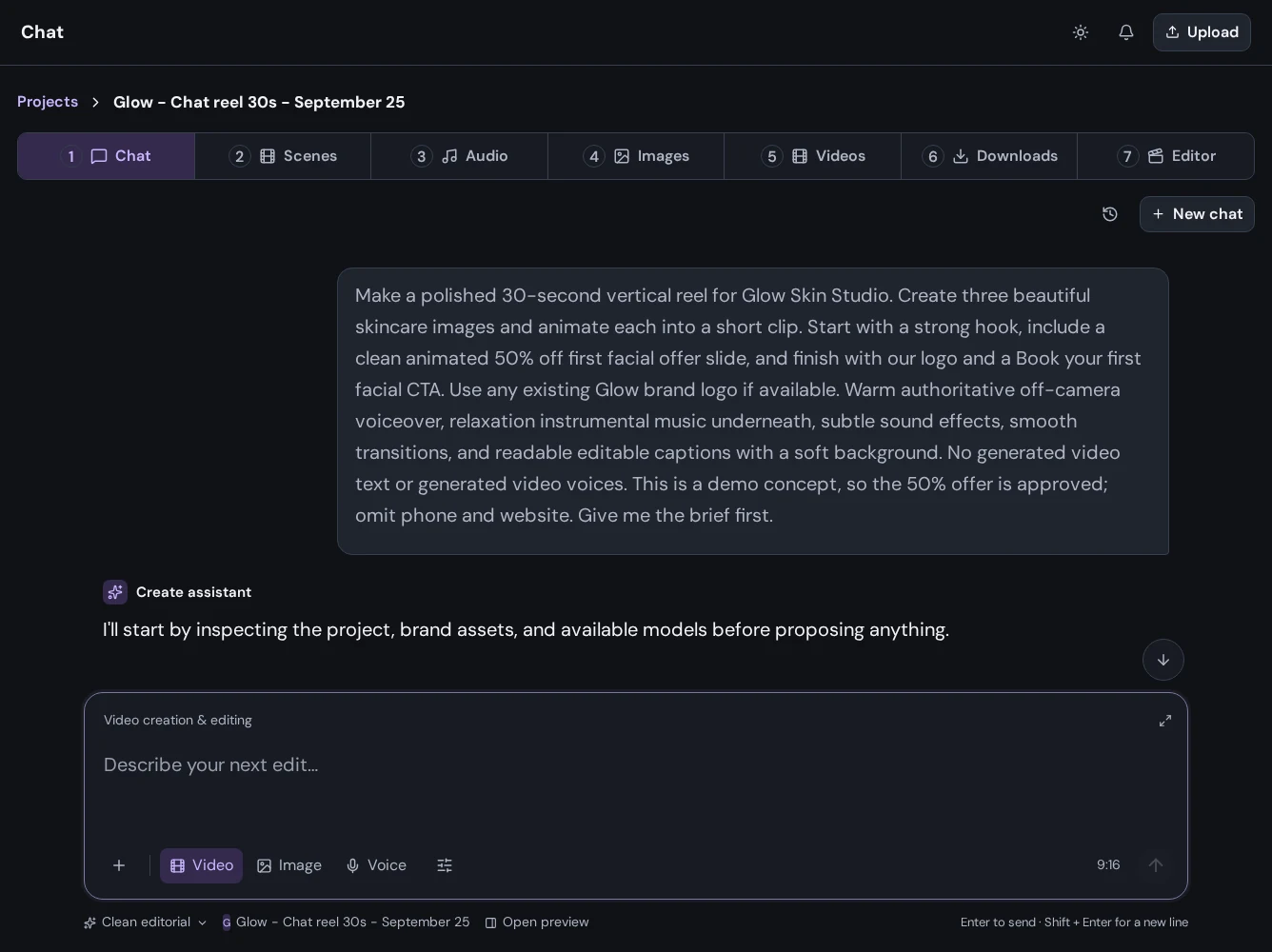
Tell Create what you are making, who it is for, and how you want it to feel. Bring reference images and files into the conversation, work through a direction, and review the plan before moving into production.
02 / Creative chat
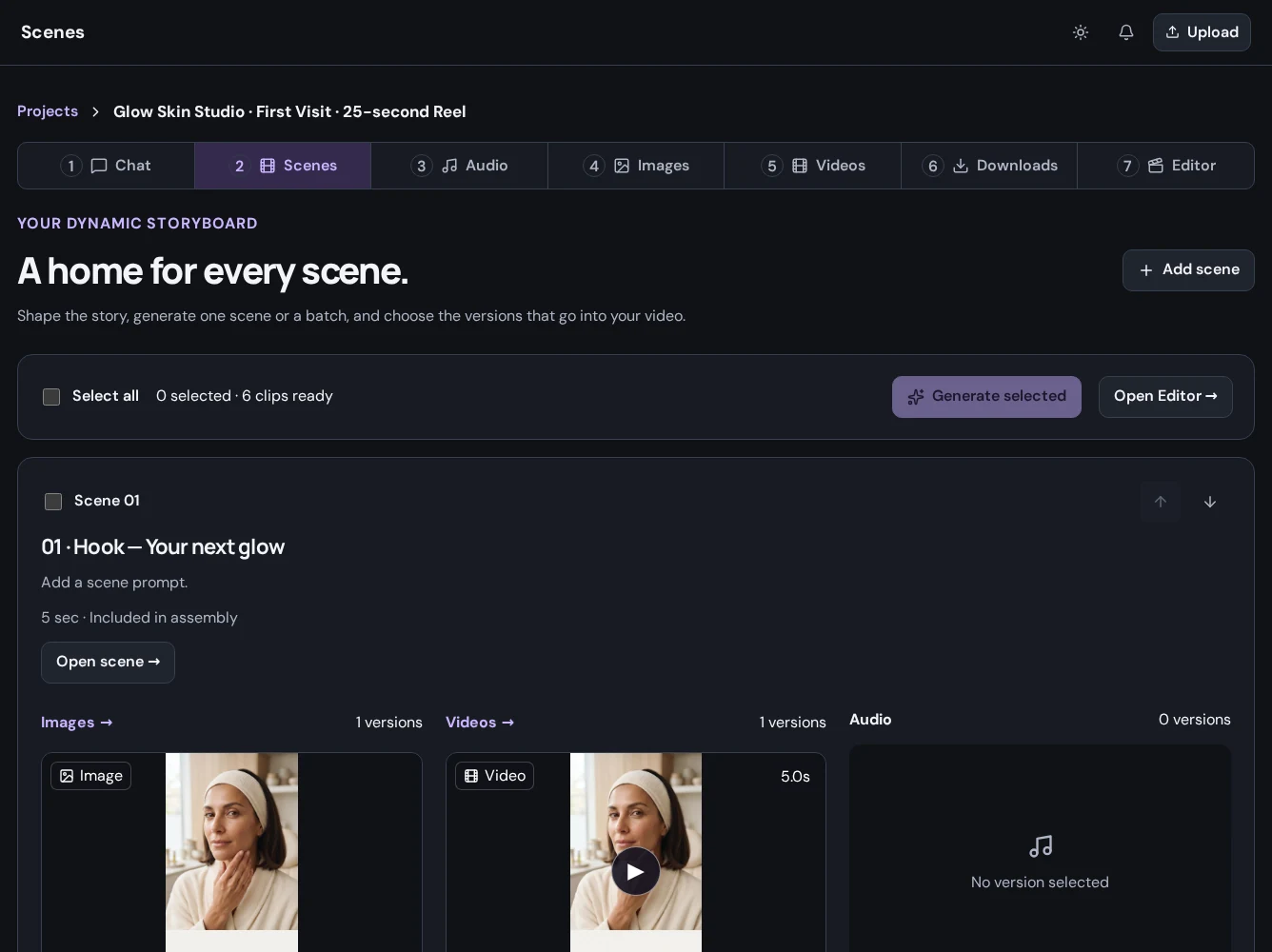
Describe what the viewer should see and hear at each stage. Organize the opening, supporting scenes, and closing message, then review the images, video, and audio for each moment.
03 / Creative chat
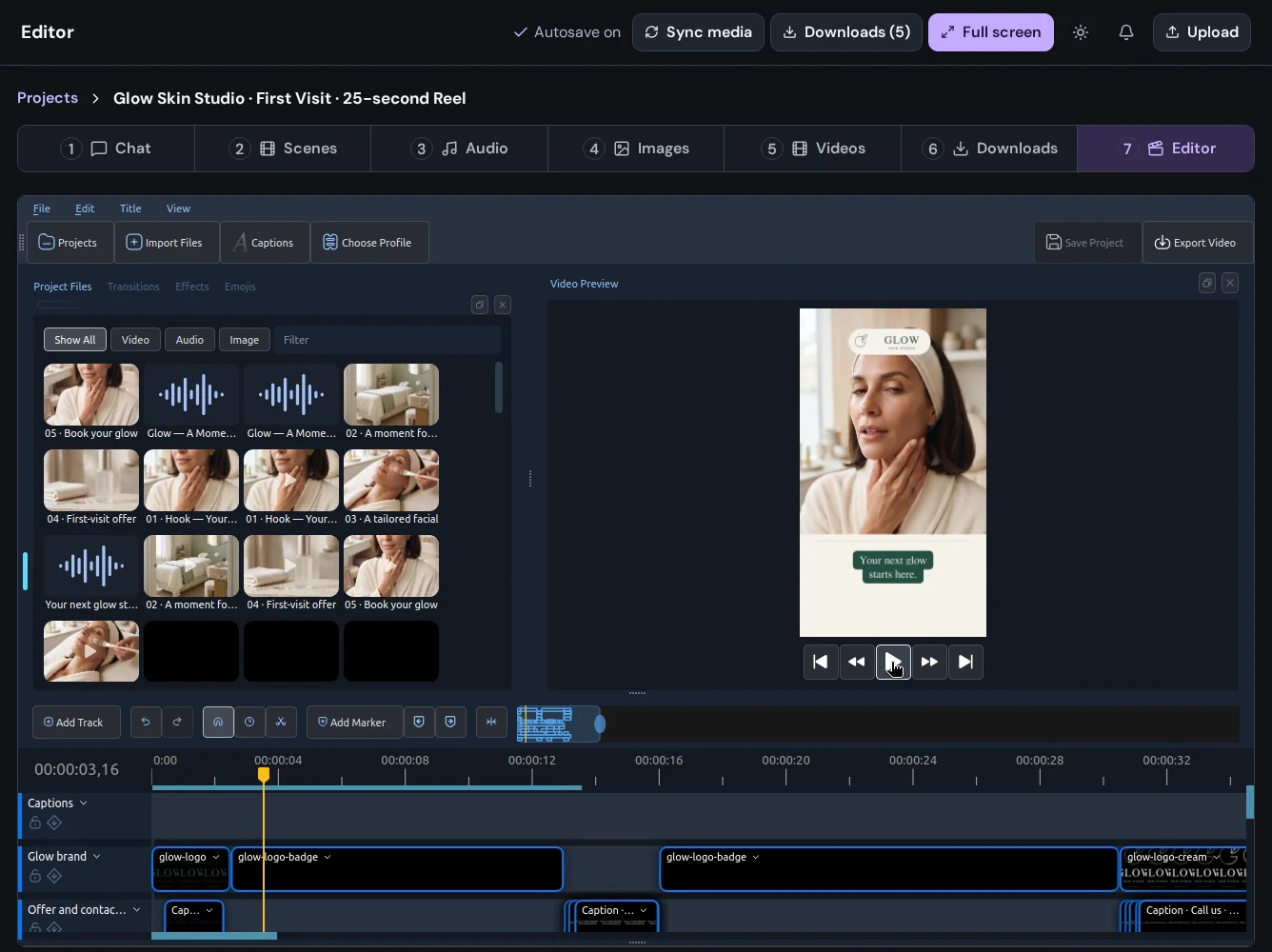
Ask for a different visual direction or a more deliberate pace. Review the proposed change, generate revised material when needed, and finish timing and arrangement in the editor.
Put it to work
“Plan a short skincare launch reel with warm light, a calm voice, and a booking call to action.”
Get started“Help me explore campaign images for a handmade product. Keep the styling simple and leave room for a headline.”
Get started“Review the opening idea. I want the benefit to be clearer before we introduce the product.”
Get startedA little more detail
Find the practical next step in the Create guides, or talk to Mango9 about your workflow.
Include your audience, the message, the format, and any visual references. Add details and refine the direction as the conversation develops.
Yes. Submit your prompt, complete signup or login through Central, and Create opens the project and starts the conversation with that prompt.
Open Images, Videos, or Audio in your project to see completed results and track work in progress. Bring the selected media into the editor to finish your sequence.
Builder and Create share your Mango9 account and plan. Sign in with your existing account, or create one to start building apps and making content.
Make your next idea happen
Already using Builder? Continue with your Mango9 account.
Explore the Create guides