Projects, assets & brands
Create projects and scenes, upload media, and attach reusable brand assets. Use resumable uploads for larger files and authenticated content endpoints for retrieval.
POST /projectsPOST /uploadsGET /brands/{id}/assets
Mango9 Create / Developers & API
Connect your app to projects, generation, editing, and delivery. Use Create as the creative production workspace behind your own tools.
Open the live OpenAPI referenceHTTPS · JSON · Bearer authentication
What you can build
Build campaign tools, media utilities, or internal production systems. The API exposes specific operations you can combine with your own approval and delivery process.
Create projects and scenes, upload media, and attach reusable brand assets. Use resumable uploads for larger files and authenticated content endpoints for retrieval.
POST /projectsPOST /uploadsGET /brands/{id}/assetsDiscover available models, required inputs, and current account prices. Submit image, video, or audio work and poll the accepted job for completed asset IDs.
GET /modelsPOST /generationsGET /generations/{id}Read the timeline and apply commands for clips, tracks, audio, captions, effects, and transitions. Use the editor catalog to explore available tools and settings.
GET /editor/catalogGET /projects/{id}/editor/timelinePOST /projects/{id}/editor/commandsPublish immutable template versions with typed slots. Apply variations to prepared editor projects, validate with a dry run, and keep each variant's production work separate.
POST /templatesPOST /templates/{templateId}/variantsPOST /projects/{id}/editor/batchesRequest word-timed transcripts and caption files. Review frames, sound, motion, and captions; use completed transcripts for English translations or proposed interview edits.
POST /assets/{id}/transcriptionsPOST /assets/{id}/reviewsPOST /speech-editsRender a preview or full timeline, normalize audio into a new derivative, and retrieve the finished files. Connect supported completion events to your own system.
POST /projects/{id}/editor/renderPOST /assets/{id}/finishesPOST /webhooksYour first request
Set your API key as a server environment variable, then create a named project. The response includes the project and its scene IDs, ready for the next step.
https://create.mango9.com/api/v1data plus meta.requestIderror.code and error.message# Run on your server with CREATE_API_KEY in the environment.
curl --fail-with-body \
https://create.mango9.com/api/v1/projects \
-H "Authorization: Bearer $CREATE_API_KEY" \
-H "Content-Type: application/json" \
--data '{"name":"Spring launch","aspectRatio":"9:16"}'Creates one empty project. No generation is submitted.
Create an API key in the signed-in app. Send Authorization: Bearer with API requests. Keys have full access to the Create operations available to their account and projects; keep them out of browser code.
Create a project, keep its scene IDs, and upload or attach the source assets. Discover current models and pricing before requesting generation. API requests use the account's existing balance and permissions.
For generation and editor operations that require it, supply an Idempotency-Key UUID. Poll the returned job or status URL. Reuse the original key when retrying the same request to resume the job without duplicating work.
Check completed results, render a preview when useful, and download the final asset. Your application can use supported webhooks for completion notifications and revocable links when recipients cannot send authentication headers.
The same creative workspace
Use code to prepare material and apply repeatable edits. The native editor gives your team a place to inspect the timeline and refine the creative decisions.
The interactive editor URL requires a Central browser session with project edit access. An API key is for your integration; it does not sign a person into the editor.
Explore the editor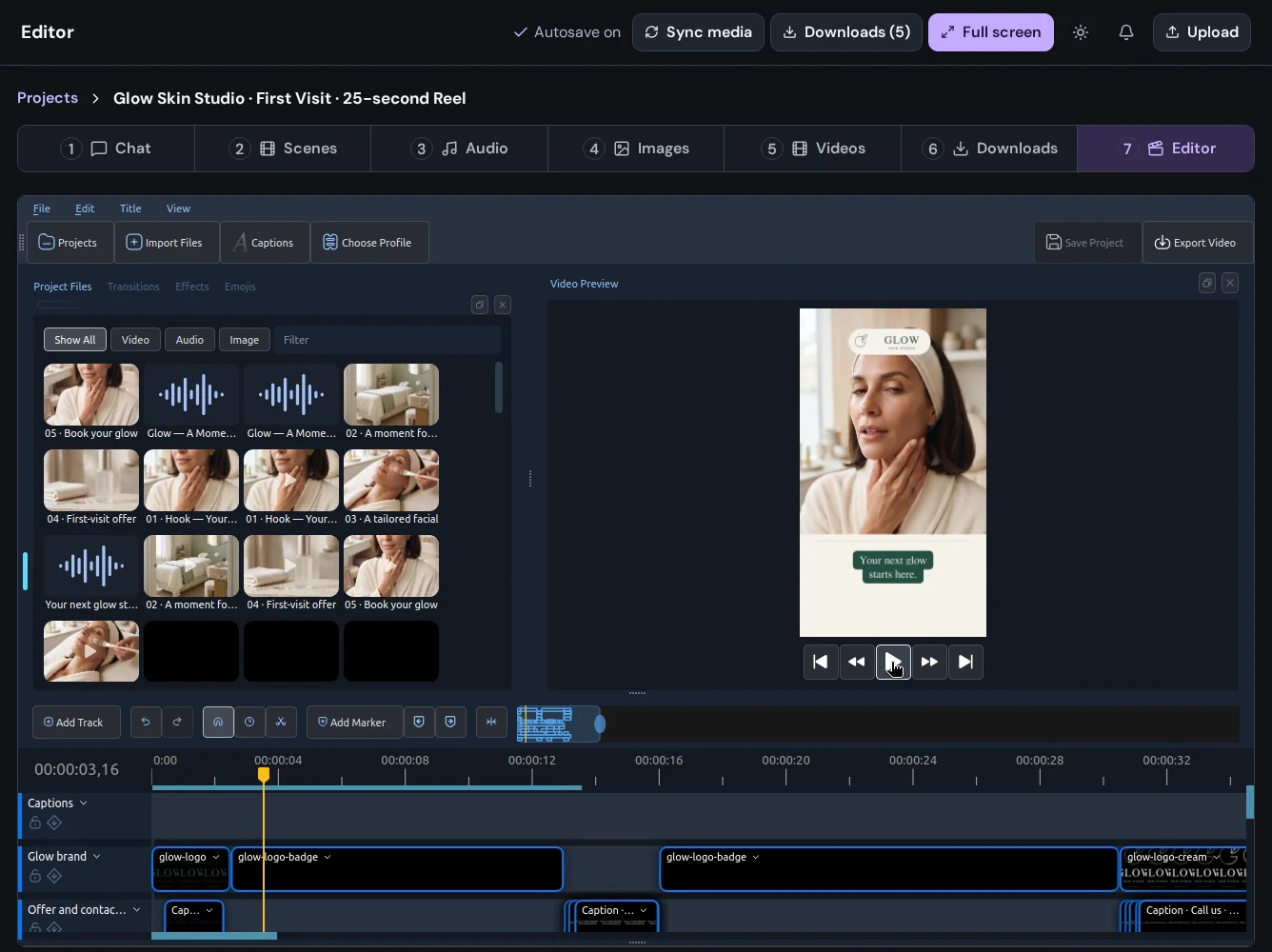
Ideas for your integration
Prepare brand assets, apply a versioned template to separate projects, review previews, and deliver approved variations to your own content system.
Start building your workflowUpload recorded media, request a transcription, and use a speech-edit job to propose cuts or English caption translations for human review.
Start building your workflowRequest audiovisual checks, inspect the evidence, render the final edit, and send a revocable asset link through your existing customer workflow.
Start building your workflowProduction details
Use the live OpenAPI schema for request bodies, response types, and limits.
Create and revoke keys from a Central-authenticated app session. Current keys have full account/project access, expiry of 1–90 days, and a limit of 120 requests per minute per key. Use a server integration; cross-origin browser cookie access is not supported.
Reuse the original idempotency key for the same supported request. Changed inputs need a new key. Timeline commands also require the current revision; a conflict requires reading the latest state and reviewing your intended edit. Respect Retry-After on 429 and 503 responses.
Supported events are production.completed, production.failed, production.cancelled, review.completed, review.failed, review.cancelled, and render.completed. Generation jobs use polling endpoint to track progress and retrieve completed results.
Verify HMAC-SHA256 of X-Mango9-Timestamp + a period + the exact raw request body using the endpoint's signing secret. Compare against the v1 signature in X-Mango9-Signature, reject timestamps outside five minutes, and deduplicate body.id. Delivery is at least once.
No. It proposes edits or returns English caption translations from completed transcription reviews. Review the result before applying separate editor commands. Generation and text work use the existing customer wallet.
Download completed assets with authenticated content endpoints. For recipients that cannot send an Authorization header, create a delivery link and revoke it when it is no longer needed. Anyone holding that link can access the asset while the link and source remain valid.
Make your next idea happen
Already using Builder? Continue with your Mango9 account.
Explore the Create guides