Launch a product
Develop a visual direction, explore campaign imagery, and turn the selected assets into a short launch video.
Get startedMade with Create
Follow Glow Skin Studio's reel from the creative conversation through images, scenes, editing, and the finished video.
Explore Mango9 Create
Follow Glow's first-visit reel from the creative conversation through images, scenes, and editing to a finished 25-second video.
01 / Made with Create
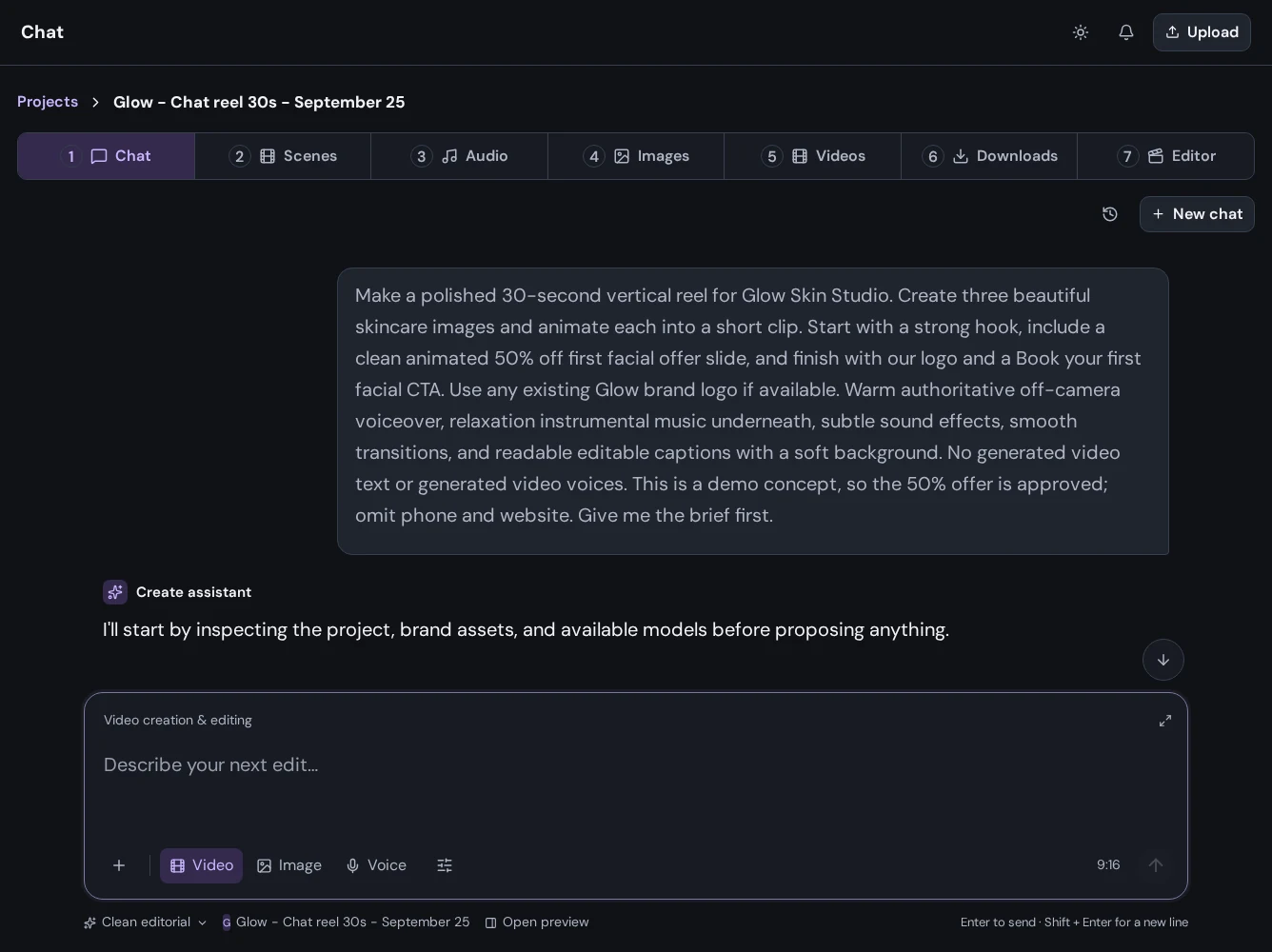
Tell Create what you are making, who it is for, and how you want it to feel. Bring reference images and files into the conversation, work through a direction, and review the plan before moving into production.
02 / Made with Create
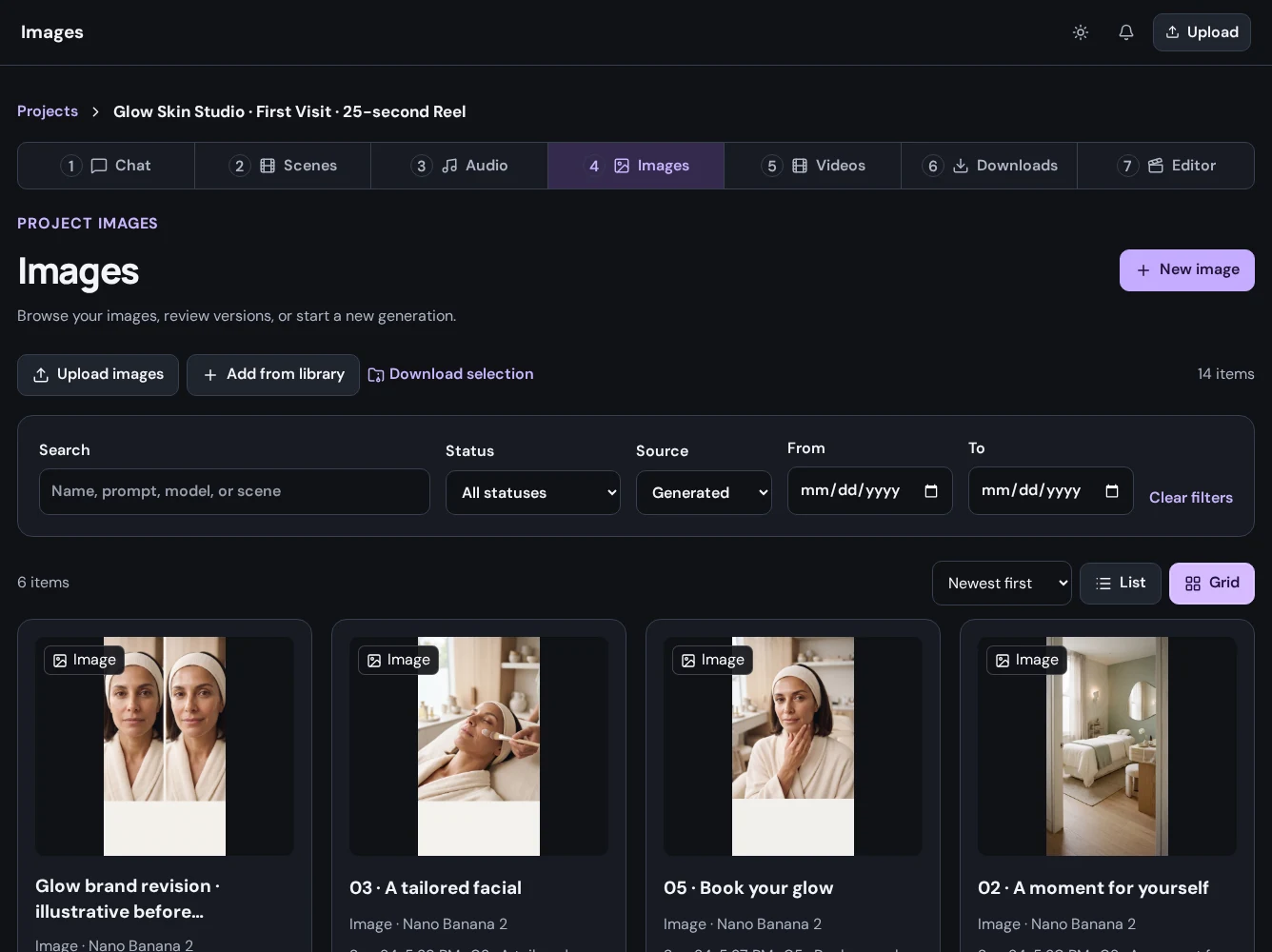
Generate original images, bring your own media, and explore new versions as the concept develops. Review the results together in your project's image library before choosing what belongs in the final piece.
03 / Made with Create
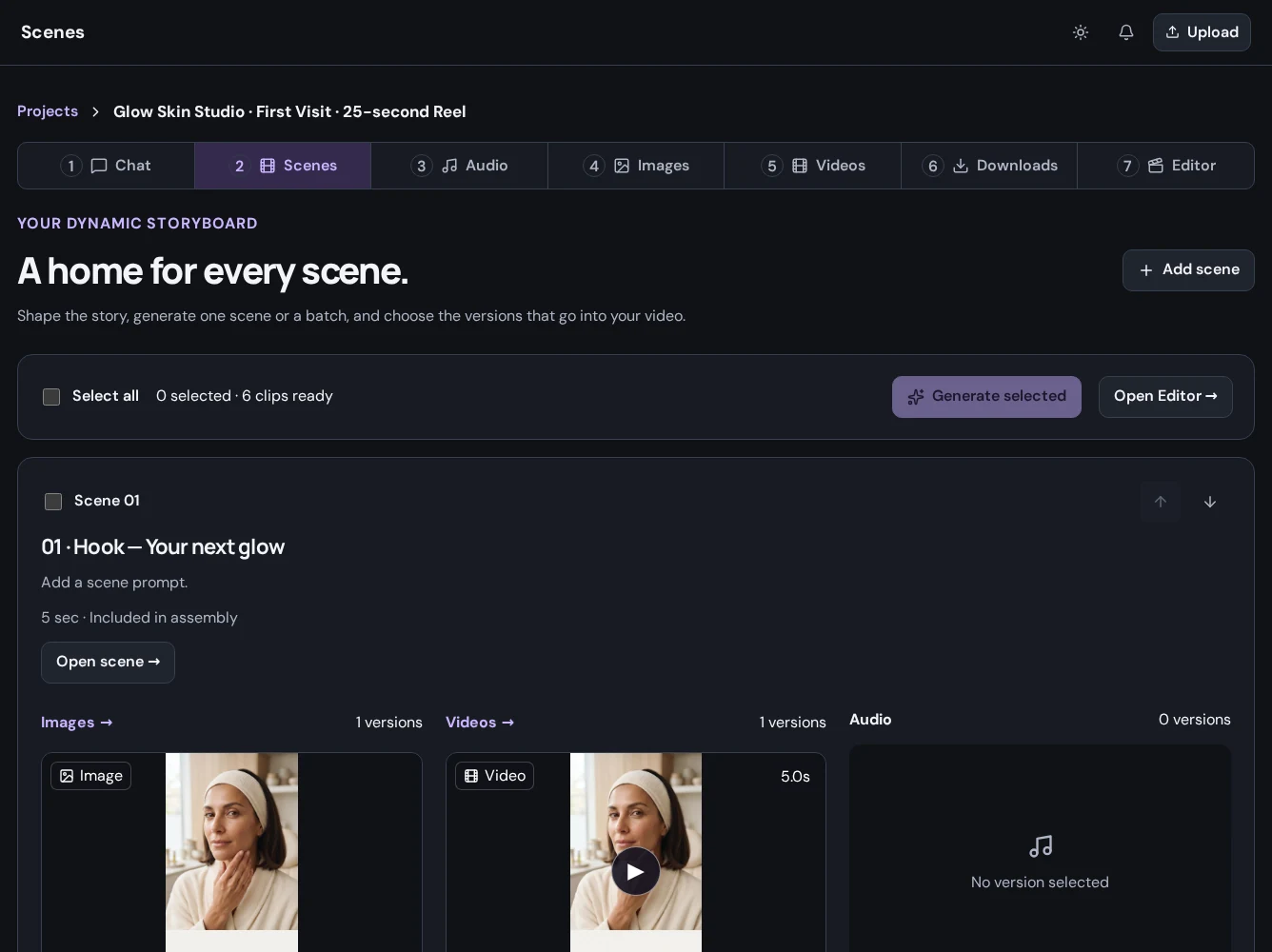
Break a larger story into scenes with their own visual and audio requirements. Keep the opening, supporting moments, and closing call to action organized so the whole piece has a clear direction.
04 / Made with Create
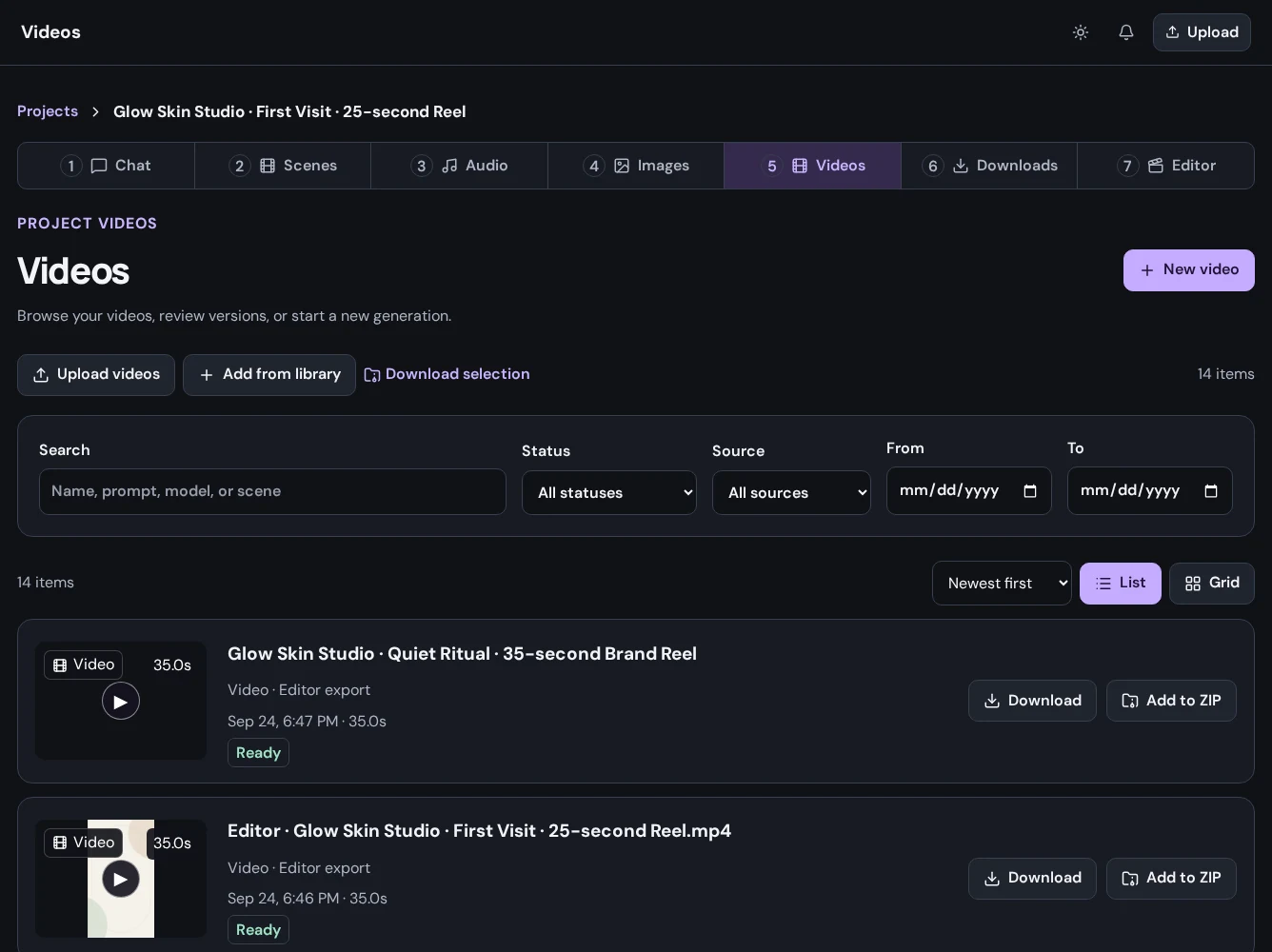
Turn a visual direction into video and add narration where the message needs a voice. Choose the inputs, duration, and settings supported by your selected model, then review completed media before assembling the sequence.
05 / Made with Create
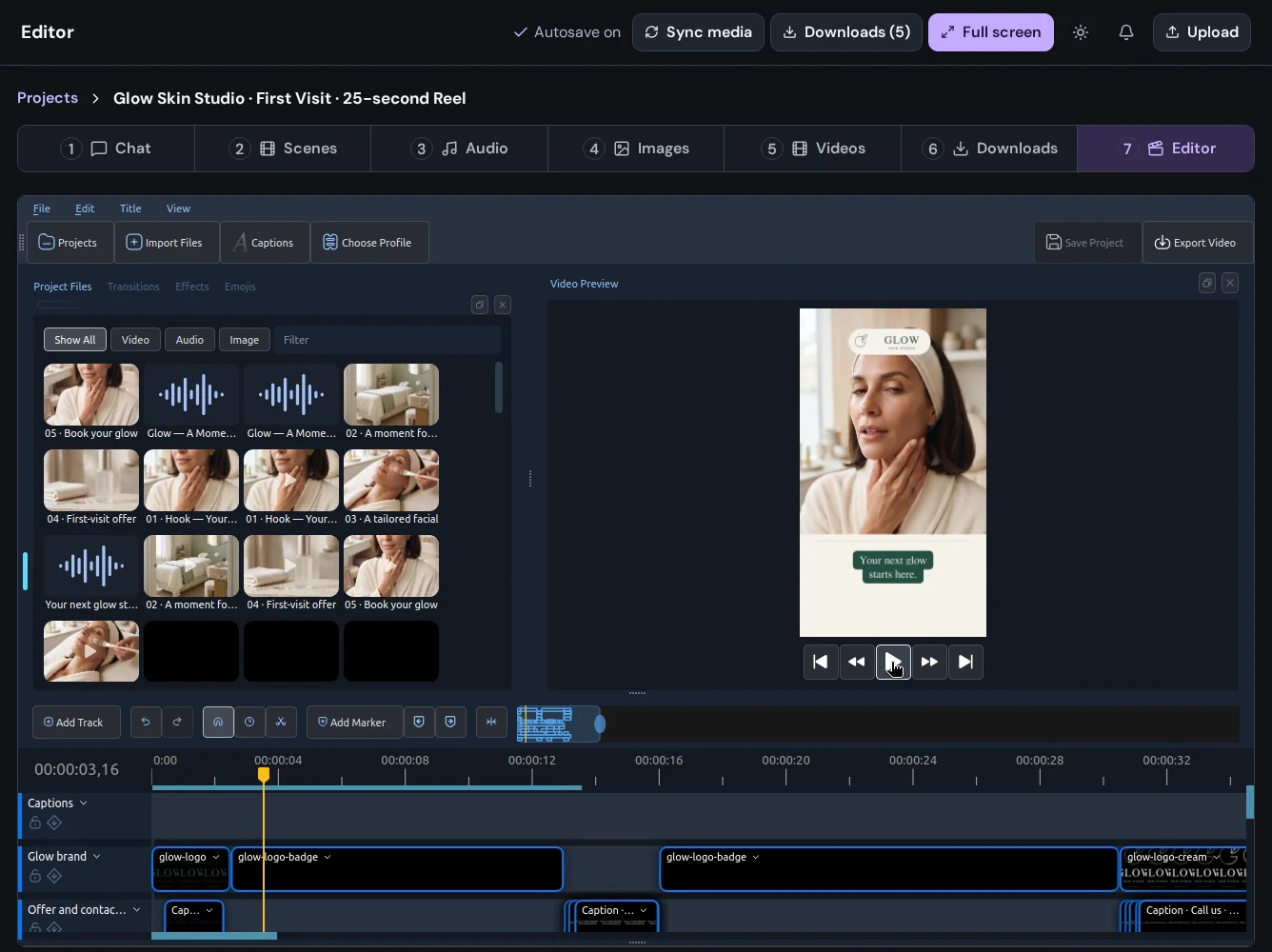
Arrange clips, shape the pacing, and bring audio and visuals together. Preview your timeline, refine transitions and captions, and bring new project media into the edit.
06 / Made with Create
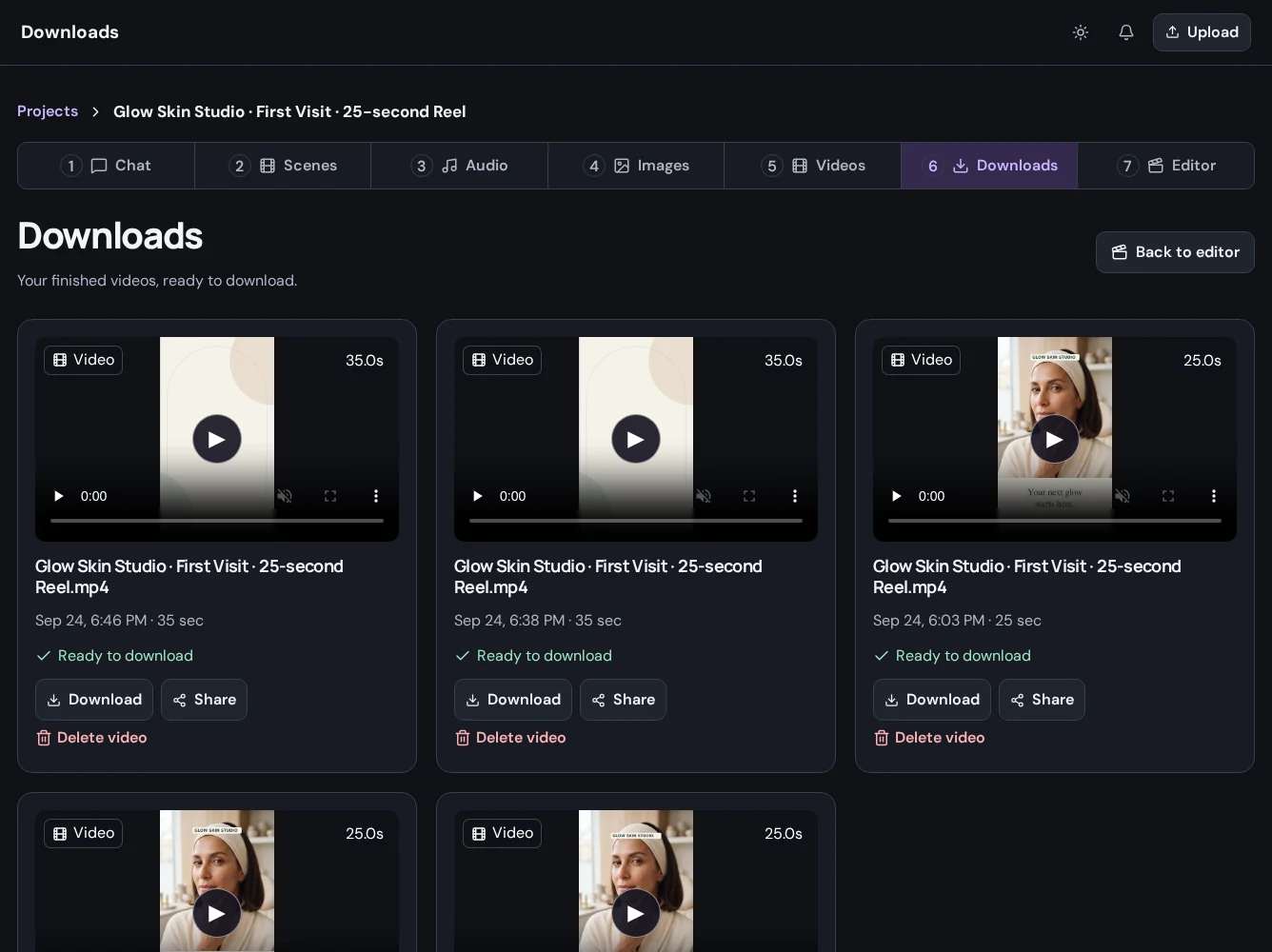
Download an individual image, video, or audio result, or export the sequence you assembled in the editor. Review the finished file before sharing it, and return to the project when the campaign needs its next version.
Put it to work
Develop a visual direction, explore campaign imagery, and turn the selected assets into a short launch video.
Get startedIntroduce a service, explain a process, or make a studio's first impression with images, narration, and a clear next step.
Get startedReturn to the same creative material, develop a new angle, and deliver another version for your audience.
Get startedA little more detail
Find the practical next step in the Create guides, or talk to Mango9 about your workflow.
The project brings together a creative brief, skincare imagery, scene planning, and video editing. The screenshots show the workspace at each stage, including the finished reel in Downloads.
Open Create, describe your business and the story you want to tell, and add your own brand references. Use chat to develop the brief, then create the images, video, and voice your project needs.
Create campaign images, product introductions, service explainers, and narrated videos. Choose the format, visual direction, and message for your audience.
Make your next idea happen
Already using Builder? Continue with your Mango9 account.
Explore the Create guides