Protect integration keys
Each API key has full access to the Create operations available to its account and projects. Keep keys on your backend, set an expiry, and revoke unused credentials.
Read the account guideYour account. Your workspace.
Use the Mango9 account you already know, with project access managed inside Create.
Explore Mango9 Create
Create uses your Mango9 account and checks access to projects and media. Understand how sign-in, team permissions, and integration credentials fit together.
01 / Your account. Your workspace.
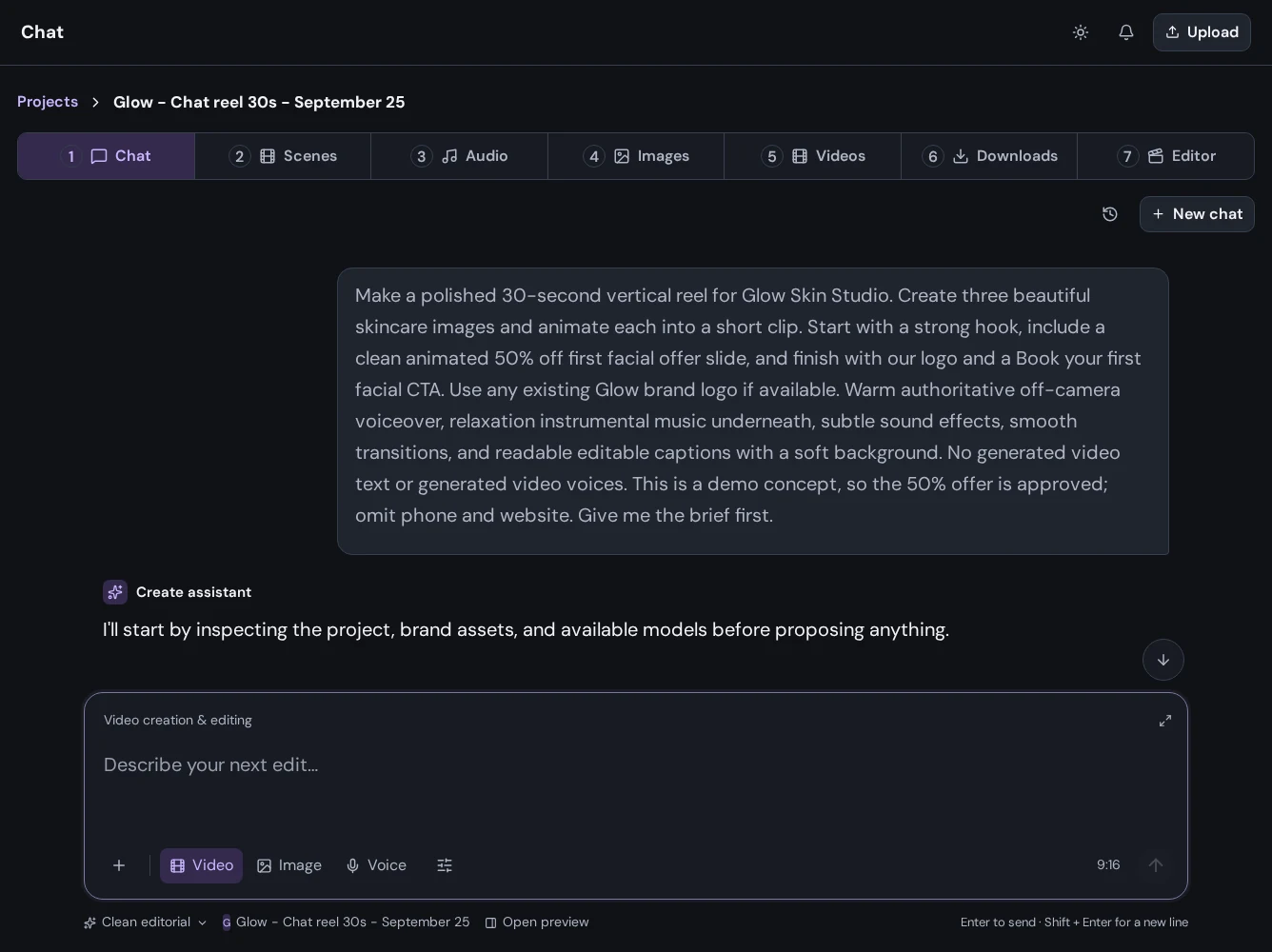
Sign in with your Mango9 account and continue into your creative workspace. If you started with a prompt, Create opens a project with that idea ready in the conversation.
02 / Your account. Your workspace.
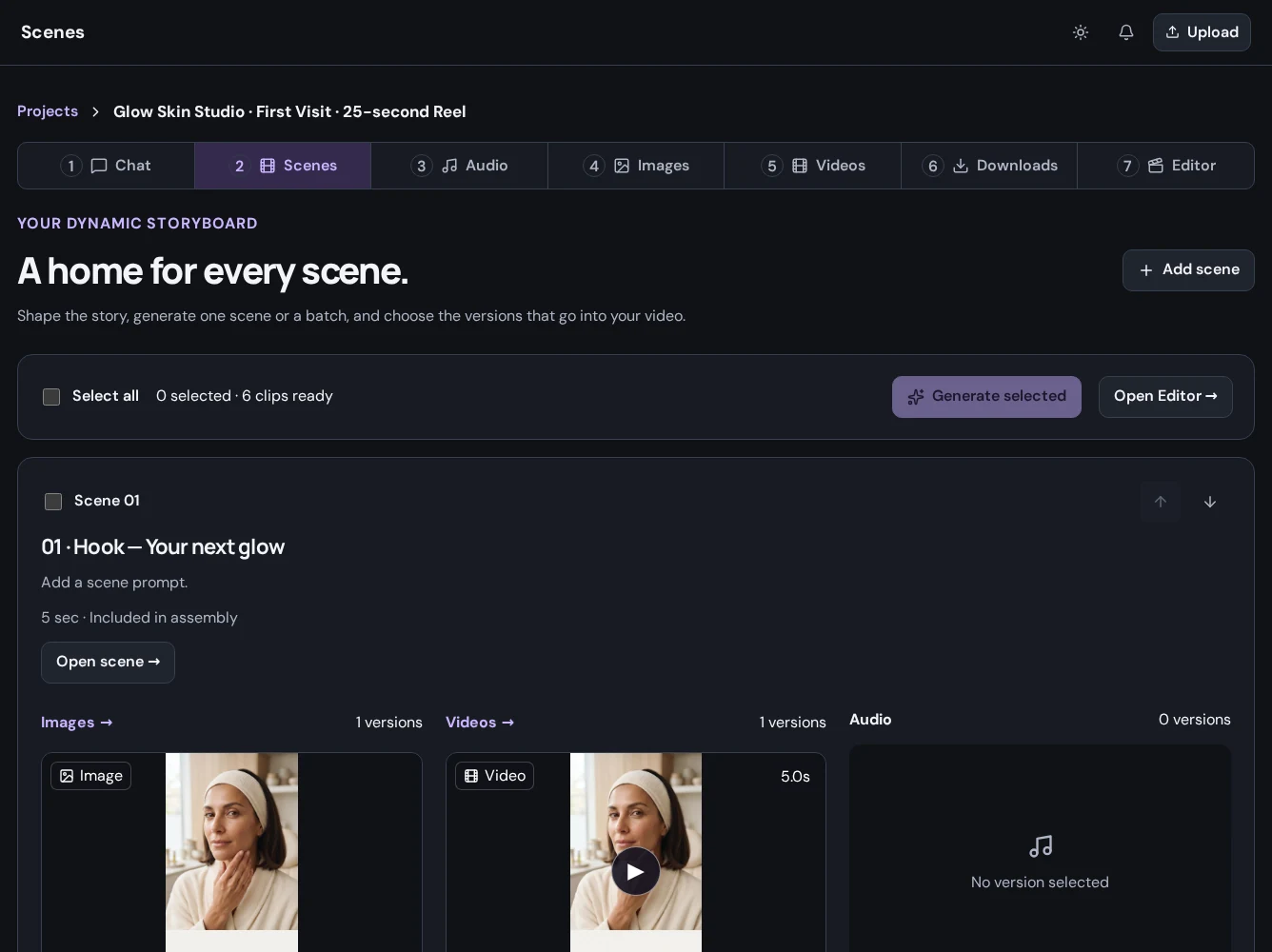
Give team members access to the projects they work on. Create checks account and project permissions when someone opens media or makes an edit.
Put it to work
Each API key has full access to the Create operations available to its account and projects. Keep keys on your backend, set an expiry, and revoke unused credentials.
Read the account guideDelivery links allow anyone holding the link to read that asset until revocation or expiry. Use them deliberately and revoke them when delivery is complete.
Read the account guideUse media you have permission to upload. Requested generation may send the required inputs to the selected model service; review Mango9's privacy policy for data handling.
Read the account guideA little more detail
Find the practical next step in the Create guides, or talk to Mango9 about your workflow.
Choose Start creating or Log in to Create, then sign in with email, Google, or Apple. Use the same Mango9 account you use for Builder.
The current API keys have full access to the operations available to the account and its projects. There is no separate permission selection when issuing a key.
Use the Privacy Policy link in the website footer. Contact Support with questions about account access or your planned workflow.
Make your next idea happen
Already using Builder? Continue with your Mango9 account.
Explore the Create guides